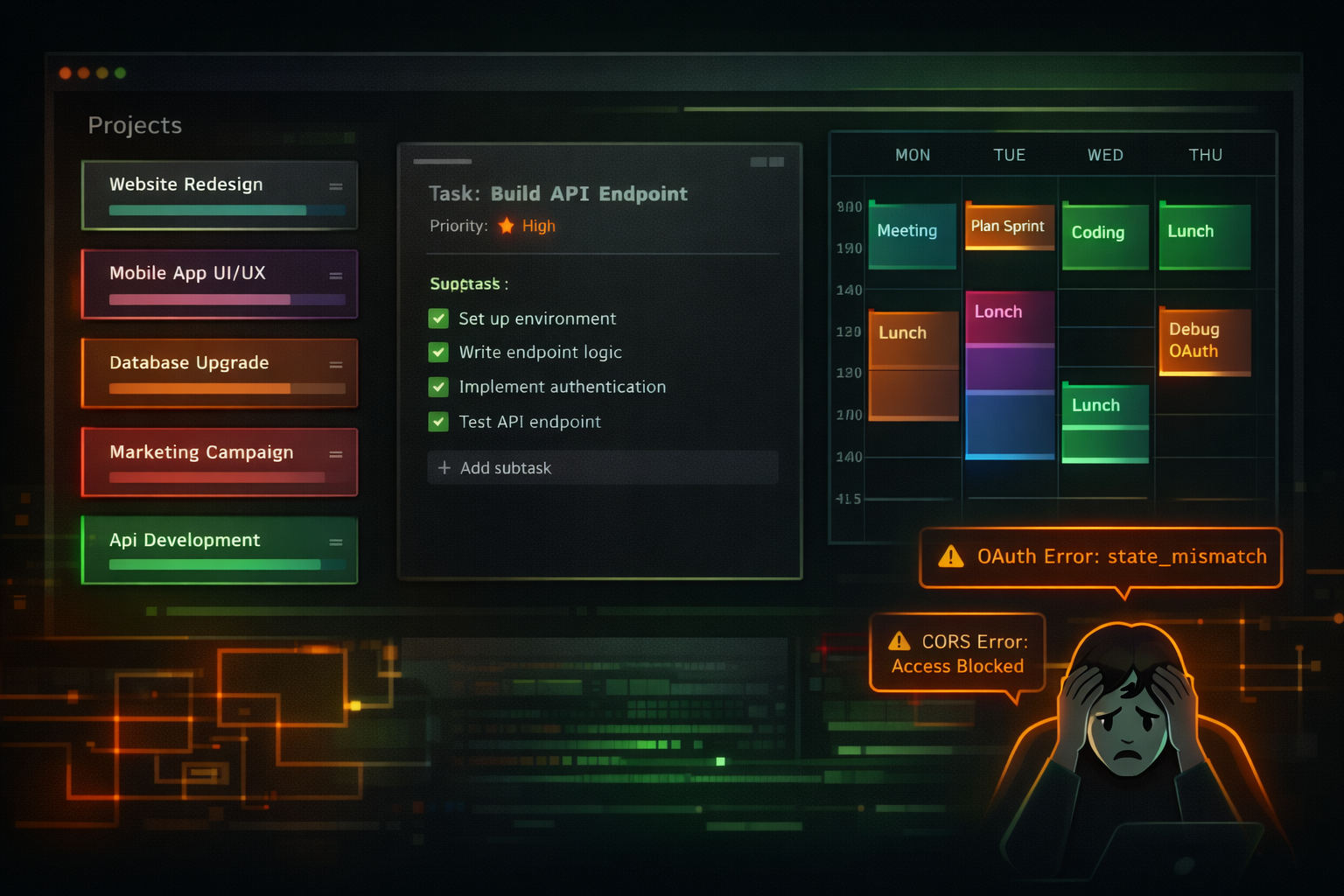
Part 5 covered the design system and Auth0 integration. The next two days were a study in contrasts: Day 1 shipped three major features. Day 2 was entirely consumed by auth migration debugging.
Here’s the lesson I learned the hard way: auth should be the last thing you implement, not the sixth.
Day 1: The Feature Sprint
With the design system and auth in place, I could finally build actual features. Three phases in one day.
Phase 7: Projects CRUD
Projects are the top-level containers. Each project has a name, color, emoji, and stats.
The stats optimization was the interesting part. The naive approach:
// N+1 query - bad
const projects = await ctx.db.query("projects").collect();
for (const project of projects) {
  const tasks = await ctx.db.query("tasks")
    .filter(q => q.eq(q.field("projectId"), project._id))
    .collect();
  project.taskCount = tasks.length;
}
That’s one query per project. Doesn’t scale.
The fix: denormalized stats. Store taskCount, activeTaskCount, and totalMs directly on the project. Update them atomically when tasks or time entries change.
// O(1) read
export const listWithStats = query({
  handler: async (ctx) => {
    return ctx.db.query("projects")
      .filter(q => q.eq(q.field("archived"), false))
      .order("asc")
      .collect();
    // Stats already on each project document
  },
});
The tradeoff: writes are slightly more complex (must update parent project), but reads are instant. For a productivity app where the project list loads on every page, that’s the right tradeoff.
Phase 8: Tasks and Subtasks
Tasks live inside projects. Each task has a status (pending, in_progress, completed), optional due date, estimated duration, and a list of subtasks.
The UI components:
| Component | Purpose |
|---|---|
| TaskCard | Displays task with checkbox, status badge, subtask count |
| TaskModal | Create/edit form with all fields |
| SubtaskItem | Toggle, inline edit, delete, drag handle |
| SubtaskList | Progress bar, “add subtask” input |
| TaskFilters | Tabs for All/Pending/In Progress/Completed |
The subtask inline edit was fiddly. Click the text, it becomes an input, press Enter or blur to save. Had to manage focus states carefully to avoid the input closing unexpectedly.
Phase 9: Time Blocks
Time blocks are the core of the app. You block time for tasks, then execute during those blocks.
Two types:
- Scheduled blocks: Fixed start/end time (e.g., 9:00 AM - 10:30 AM)
- Duration blocks: Flexible timing, fixed duration (e.g., 45 minutes, start whenever)
The overnight edge case was fun. What if someone blocks 11:00 PM to 2:00 AM? The end time is “before” the start time numerically.
// Validation in timeBlocks.create
if (args.startTime === args.endTime) {
  throw new Error("Start and end time cannot be the same");
}
// Note: endTime < startTime is VALID (overnight block)
The UI shows a “+1” badge on overnight blocks to indicate they end the next day. Simple visual cue, no ambiguity.
{#if isOvernight}
  <span class="overnight-badge">+1</span>
{/if}
Three phases done. Projects, tasks, time blocks. The app was starting to feel real.
Then I broke auth.
Day 2: The Auth Migration
Auth0 was working. Then I noticed the Convex Labs team had released @convex-dev/better-auth. Native Convex integration, session-based auth, simpler mental model.
”This will be a quick swap,” I told myself.
44 files and 8 hours later, it was done.
Problem 1: State Mismatch
OAuth uses a state parameter for CSRF protection. Client generates state, sends it to Google, verifies it on callback.
Auth0 stores state in cookies. Better Auth also stores state in cookies by default. But my frontend runs on localhost:5173, and Convex runs on *.convex.site. Different domains. Cookies don’t transfer.
localhost:5173 → generates state cookie
accounts.google.com → OAuth flow
convex.site/callback → no cookie, state missing
localhost:5173/?error=state_mismatch
The fix: crossDomain plugin. Stores OAuth state in the database, not cookies.
plugins: [
  convex({ authConfig }),
  crossDomain({ siteUrl }),
],
Problem 2: Session Not Persisting
OAuth flow completes. User lands on dashboard. Refresh page. Back to login.
The OTT (one-time token) verification was running, but the session wasn’t being stored. The bug was subtle:
// Wrong - bypasses the plugin chain
const response = await fetch('/verify', { ... });

// Right - goes through crossDomainClient
const response = await this.client.$fetch('/verify', { ... });
fetch vs $fetch. One character. The plugin that stores cookies only runs on $fetch.
Problem 3: Production CORS
Everything worked locally. Then I thought about production.
The CORS origins were hardcoded to localhost. Deploy to app.profocuswork.com, every auth request fails.
// Before: hardcoded
const ALLOWED_ORIGINS = ['http://localhost:5173', 'http://localhost:1420'];

// After: from environment
function getAllowedOrigins(): string[] {
  const defaults = ['http://localhost:5173', 'http://localhost:1420'];
  const envOrigins = process.env.ALLOWED_ORIGINS?.split(',') || [];
  return [...new Set([...defaults, ...envOrigins.map(normalizeOrigin)])];
}
And normalizeOrigin() strips trailing slashes. Browsers send https://example.com, not https://example.com/. If they don’t match exactly, CORS fails.
The Lesson: Auth Should Be Last
I implemented auth in Phase 6. Before projects. Before tasks. Before time blocks.
That was wrong.
What went wrong:
- Every feature depended on auth working. Auth breaks? Can’t test anything.
- Auth touches everything: Convex, web, desktop, CSP, CORS, environment variables. Huge surface area.
- I migrated auth mid-project. If auth had been Phase 18 instead of Phase 6, this would have been one isolated phase instead of touching code across nine completed phases.
What I should have done:
Phase 1-17: Build everything with a mock userId
Phase 18: Add real auth
Phase 19: Swap mock user for authenticated user
A hardcoded userId = "dev-user-123" works fine during development. You can build the entire feature set, test everything, iterate on the UI. Auth becomes a late-stage swap instead of an early-stage blocker.
For my next project, auth is dead last.
Current State
Phase 7: Projects CRUD - completed
Phase 8: Tasks CRUD - completed
Phase 9: Time Blocks - completed
Phase 6: Auth - completed (migrated from Auth0 to Better Auth)
Phase 10: Timer Core - not_started

Commits (last 2 days):
- eb7397d feat: add projects CRUD with denormalized stats
- f9a4bf4 feat: add tasks and subtasks with full CRUD
- e9b283a feat: add time blocks with overnight scheduling
- 49401d0 feat(auth): migrate from Auth0 to Better Auth

Next:
- Start Phase 10: Timer Core
- Build timer with start/pause/stop
- Add timer UI to Today view
Nine phases done. Eleven to go. The core data model is complete - projects, tasks, subtasks, time blocks. The next phase adds the timer that makes it all work.
What I Learned
Denormalize for read-heavy paths. Store computed stats on parent documents. Update on write, read in O(1).
Overnight time blocks need special handling. End time before start time is valid. Show a “+1” badge so users understand.
Cross-domain OAuth needs database-stored state. Cookies don’t cross origins. The crossDomain plugin solves this.
Use $fetch, not fetch. Plugin chains only run on the client’s own fetch method. Raw fetch bypasses everything.
Do auth last. Build features with mock users. Add real auth when everything else works. You’ll save yourself days of debugging.
Part 6 of the ProFocusWork build series. Part 7 will cover Phase 10: the timer core with start/pause/stop functionality.