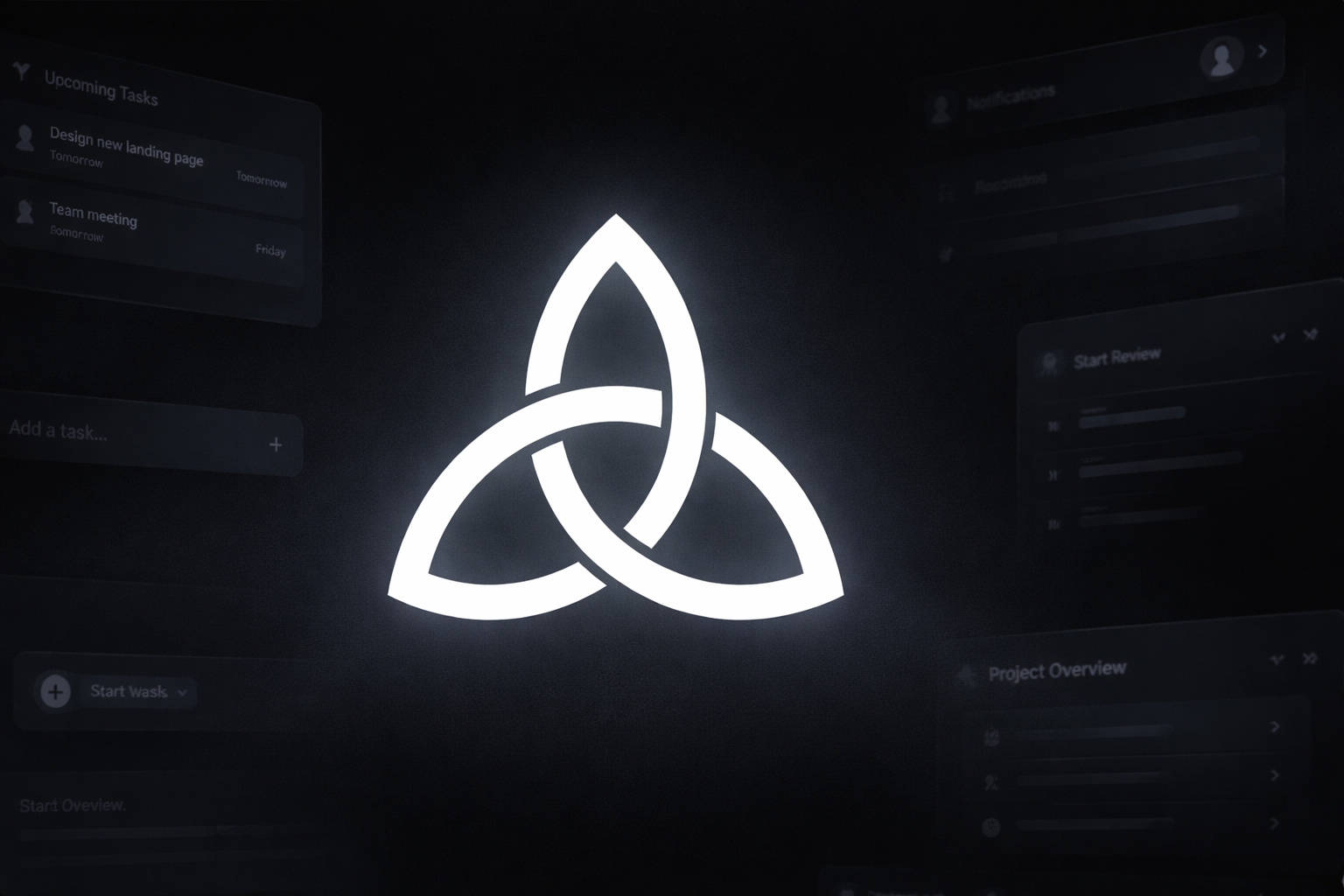
Part 4 covered the desktop shell and review layers. Today was about making the app look and feel real - a proper design system, authentication, and a brand identity.
Phase 5: The Design System
Before today, the UI was functional but inconsistent. Each component had its own hardcoded colors, its own spacing values, its own interpretation of “dark theme.” That’s fine for prototyping. Not fine for a real product.
The solution: a proper design token system.
packages/design-tokens:
/* Colors - dark-first, light via [data-theme="light"] */
--bg-base: #0a0a0a;
--bg-elevated: #141414;
--fg-primary: #fafafa;
--fg-secondary: #a1a1aa;
--accent-blue: #3b82f6;

/* Spacing - 4px base scale */
--spacing-1: 0.25rem;
--spacing-2: 0.5rem;
/* ... */

/* Typography */
--font-sans: 'Geist Sans', system-ui, sans-serif;
--font-mono: 'JetBrains Mono', monospace;
I went with Geist Sans for body text and JetBrains Mono for code and data. It’s the Phase.sh aesthetic - clean, readable, slightly technical. Bundled via @fontsource for offline-first compliance.
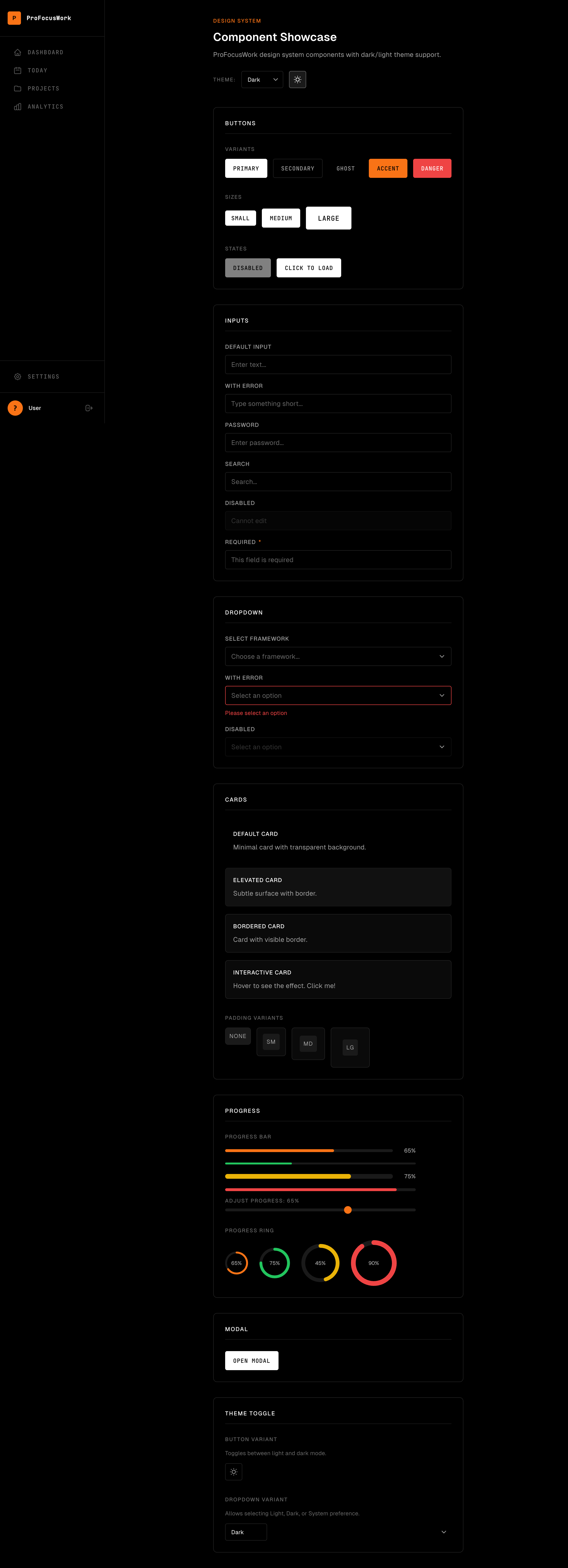
The components came next. Eight of them, covering the basics:
| Component | Features |
|---|---|
| Button | primary/secondary/ghost/accent/danger, loading state |
| Input | label, error state, focus ring, SSR-safe IDs |
| Card | default/elevated/interactive, hover animation |
| Dropdown | native select, custom styling |
| ProgressBar | colors, sizes, clamped ARIA values |
| ProgressRing | SVG circle progress |
| Modal | native dialog, keyboard support |
| ThemeToggle | button and dropdown variants |
The SSR-safe IDs were a pain point. In SvelteKit, component code runs on the server first. If you generate an ID in the component’s top-level script, it generates one ID on the server, a different ID on the client. Hydration mismatch.
The fix: generate IDs only on the client.
<script>
  let clientId = $state('');

  $effect(() => {
    clientId = `input-${Math.random().toString(36).slice(2)}`;
  });
</script>

<label for={clientId}>...</label>
<input id={clientId} />
The Distinguished Engineer review caught this. Also caught my aria-describedby rendering as a literal string instead of the actual ID value. Accessibility matters.
Phase 6: Auth0 Integration
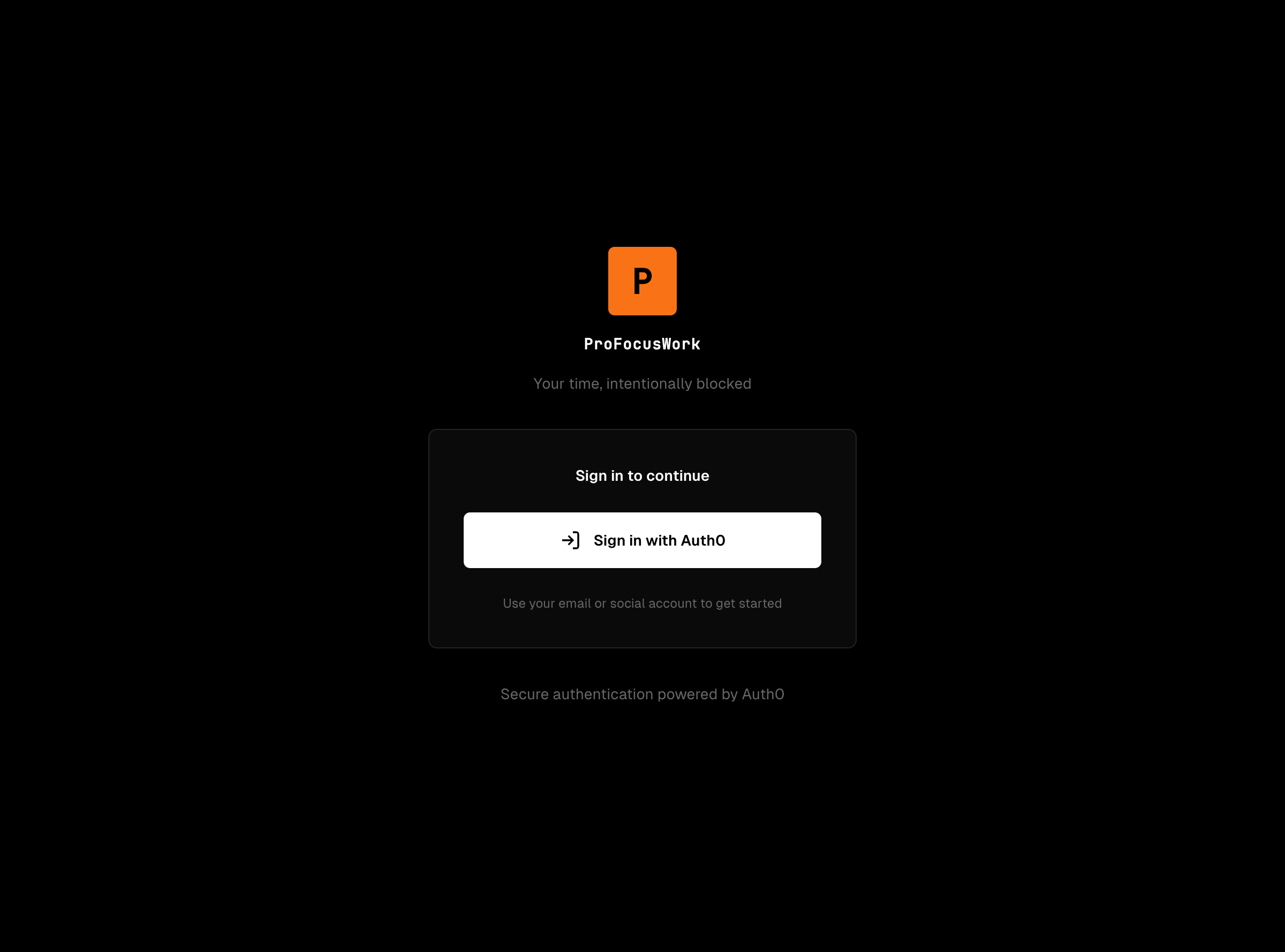
Authentication is where things get complicated. I’m using Auth0 for identity, Convex for the backend. The tricky part: making it work offline.
The Problem:
Standard auth flows require network access. Token refresh? Network. User info fetch? Network. Session validation? Network. In an offline-first app, the user should still be able to view their data without internet.
The Solution:
                  ┌─────────────────────┐
                  │     Auth0 SPA       │
                  │     Universal       │
                  │      Login          │
                  └─────────────────────┘
                           │
                           ▼
              ┌────────────────────────────┐
              │  Token Storage Strategy    │
              ├────────────────────────────┤
              │  Web: Memory (XSS safe)    │
              │  Desktop: localStorage +   │
              │           refresh tokens   │
              └────────────────────────────┘
                           │
                           ▼
              ┌────────────────────────────┐
              │  Offline Fallback          │
              │  - Cached user info        │
              │  - Network error tolerance │
              │  - Session preservation    │
              └────────────────────────────┘
For web, tokens stay in memory. No localStorage - XSS attacks can’t steal what’s not persisted. For desktop (Tauri), we can use localStorage with refresh tokens because the threat model is different. Tauri apps don’t load arbitrary JavaScript.
The auth store uses Svelte 5 runes:
// packages/auth/src/auth-store.ts
export function createAuthStore() {
  let user = $state<User | null>(null);
  let isAuthenticated = $state(false);
  let isLoading = $state(true);

  // Network error? Keep the session alive for viewing.
  // Revocation error (401)? Clear the session.

  return {
    get user() { return user; },
    get isAuthenticated() { return isAuthenticated; },
    // ...
  };
}
The desktop flow uses PKCE (Proof Key for Code Exchange) with deep link callbacks. User clicks login → opens Auth0 in browser → authenticates → redirects back to profocuswork://auth/callback → Tauri catches the deep link → exchanges the code for tokens.
Proper UTF-8 JWT decoding too. International characters in names shouldn’t break the app.
The Branding Pivot
Here’s a confession: I changed the logo twice today.
Attempt 1: Neon Spiral
Started with a Fibonacci spiral in a green-to-orange neon gradient. It looked… fine. Technical, modern, vaguely productivity-app-ish. But it didn’t feel distinctive. Every app has a colorful abstract logo now.
Attempt 2: Triquetra
Then I went in a completely different direction: the triquetra. A Celtic trinity knot - three interlocked arcs forming a continuous loop.
Why? It represents the three interconnected parts of ProFocusWork:
- Time blocking (planning)
- Focus sessions (execution)
- Analytics (reflection)
Three loops, infinitely connected. Planning informs execution, execution generates data, data improves planning.
White on black. Monochrome template icons for the macOS menu bar. Simple, distinctive, meaningful.
The icon set includes:
- App icons for Tauri (icns, multiple PNG sizes)
- Web icons (favicon, apple-touch-icon, PWA 192/512)
- Menu bar template icons that macOS tints automatically
Current State
Phase 5: UI Components - completed
Phase 6: Auth0 Integration - completed
Phase 7: Projects CRUD - not_started

Commits today:
- df98fb6 feat(ui): add design system with Phase.sh styling and a11y fixes
- dfdd243 feat(auth): add Auth0 authentication with offline-first support
- e755fed feat(branding): add neon spiral logo and app icons
- c17a364 chore: update STATUS.yaml for Phase 6 completion + branding
- 26310da feat(branding): update to triquetra logo design

Next:
- Start Phase 7: Projects CRUD
- Implement project list with real data
- Add create/edit/delete functionality
Six phases done. Fourteen to go. The foundation is solid - monorepo, database, desktop shell, web shell, design system, authentication, branding. Tomorrow, actual features.
What I Learned
Design tokens save time later. Setting up packages/design-tokens felt like overhead at first. Now every component imports the same values. No more “what was that blue color again?”
SSR breaks assumptions. Client-side ID generation seems trivial until the server generates different IDs. Always think about hydration.
Offline-first auth is about graceful degradation. You can’t refresh tokens offline. But you can keep the user signed in for viewing. Network error ≠ session invalid.
Logo meaning matters. A random pretty shape is forgettable. A shape with a story (three interlocked parts = planning, execution, reflection) is memorable.
Part 5 of the ProFocusWork build series. Part 6 will cover Phase 7: building the Projects CRUD functionality.